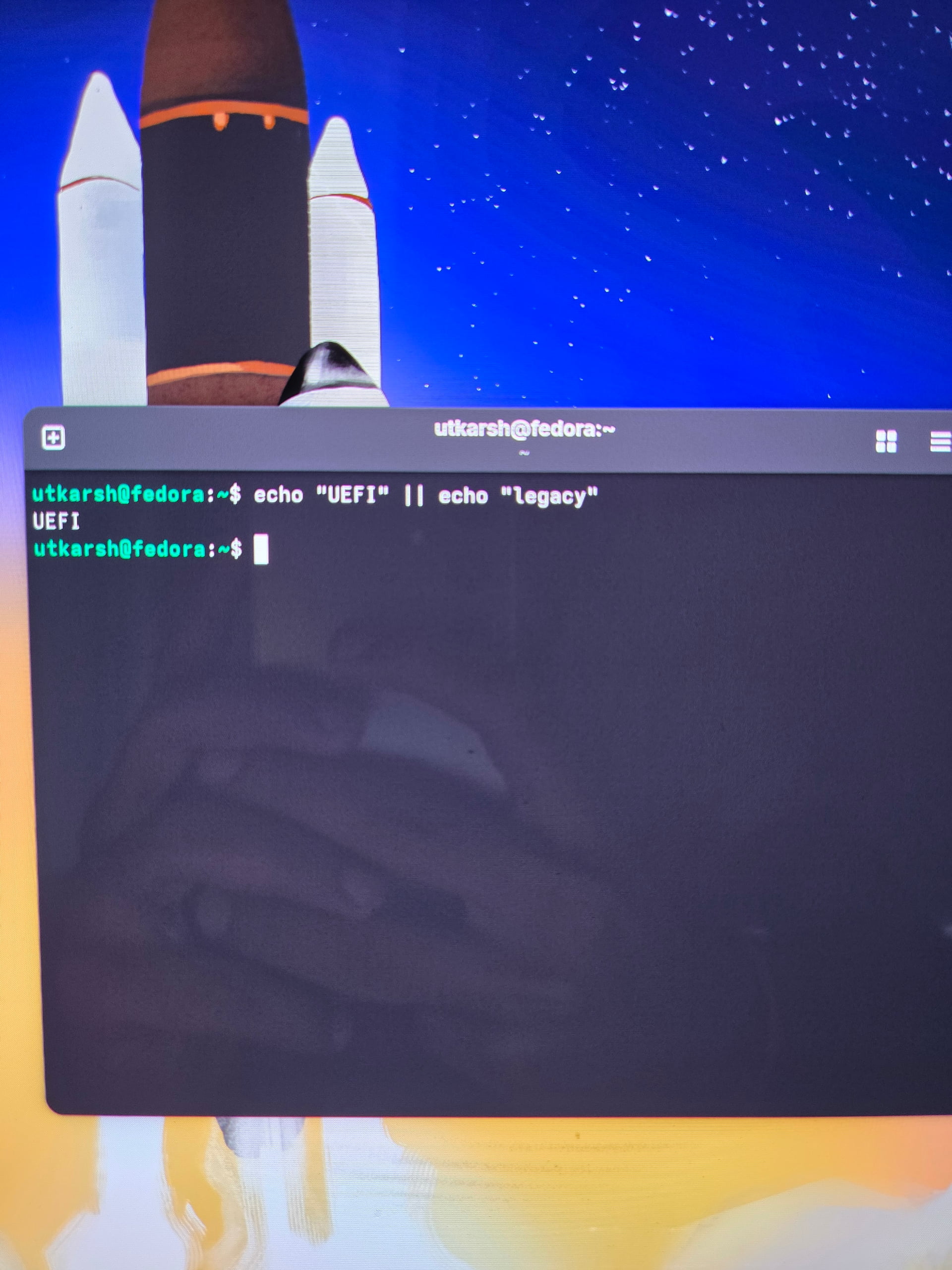
So my windows is in UEFI mode and fedora is in legacy mode and my windows is noot booting up i checked the partition it exists but my windows is not booting up what should i do please help (update: so I’m using a pen drive how can i reinstall fedora in UEFI) my bios is already in UEFI mode now when I’m going into the USB drive and clicking on reinstall fedora it says unable to allocate partion scheme
First of all, please don’t post cell phone pictures of text in a terminal. Any decent terminal emulator supports selecting and copying text.
Second, I am not sure what you are trying to accomplish. The command you show in the second photo will always output “UEFI”:
~ > echo "UEFI" || echo "Legacy"
UEFI
Let me break this down: This is an OR of two commands. Every shell I know will execute the first command, which prints “UEFI” on the screen. Once this finishes, the shell can evaluate its return code, which will be 0 most of the time and thus considered TRUE. TRUE || echo "Legacy" evaluates to TRUE without having to evaluate the second echo, so the shell skips that command.
If you switch the two commands around, you will get the opposite result, for exactly the same reason, it executes the first echo without error, then stops:
~ ❯ echo "legacy" || echo "UEFI"
legacy
If you want to see whether your computer uses UEFI, I suggest you check if it has the efivars filesystem mounted:
~ ❯ mount | grep efivars
efivarfs on /sys/firmware/efi/efivars type efivarfs (rw,nosuid,nodev,noexec,relatime)
Sorry this is my first Linux I don’t know anything I won’t post pictures from cell phone and I’m using acer laptop first i deactivated the bitlocker then i went to install the linux after that windows was not booting up so i set everything to default in my bios so my windows is working as of now but not the linux
I am not sure I follow. You say Windows is working, Linux is not. But you show photos of a Gnome desktop, that seems to contradict the statement of Linux not working.
So previously my linux was working windows was not that’s because my linux was booting through legacy and in bios the booting was from UEFI . I reinstalled the linux it was still not working so reset all the settings in the bios to default and from that my windows started working but not my linux is not
If your Windows is indeed booting in UEFI mode, I would suggest to disable the “Compatibility Support Module (CSM)” in the BIOS. Then it is not possible to boot anything in legacy mode.
Also, If you use Rufus to create your install USB, make sure you select the boot mode as it can create a boot USB that can only be booted in legacy mode.