I don’t dual boot, but as far as I know, you want one efi partition, and put all your entries in there. Then when booting, you choose which OS you want from the menu.
What is your reason for tryimg to create another efi?
Before using fedora. I have pop os , pop os efi doesn’t use windows efi lack of space, only I have 100 mb efi ( OEM os ) so , that why I created seperate efi partion, that work well, and also fedora 43, I used fedora 42 . That also installed separate efi, from fedora 43 the boot partition space need 2 gb so I am decided to reparation and clean install, now it’s happens,
Additionally I am checked with using windows efi partion, now installation success but won’t boot os
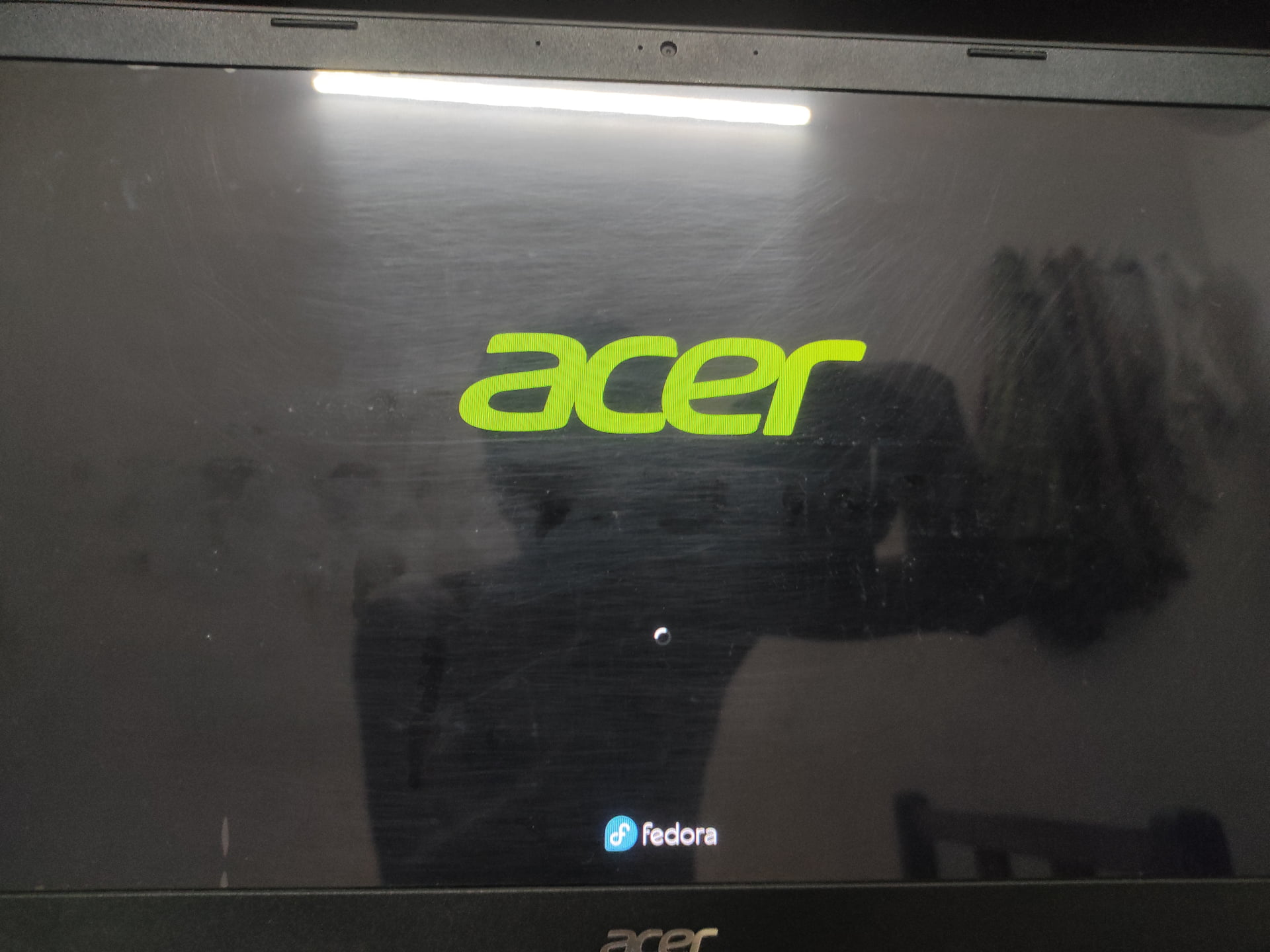
You can press “ESC” to hide Plymouth (that spinning wheel you see) and display the boot messages to check for any problems.
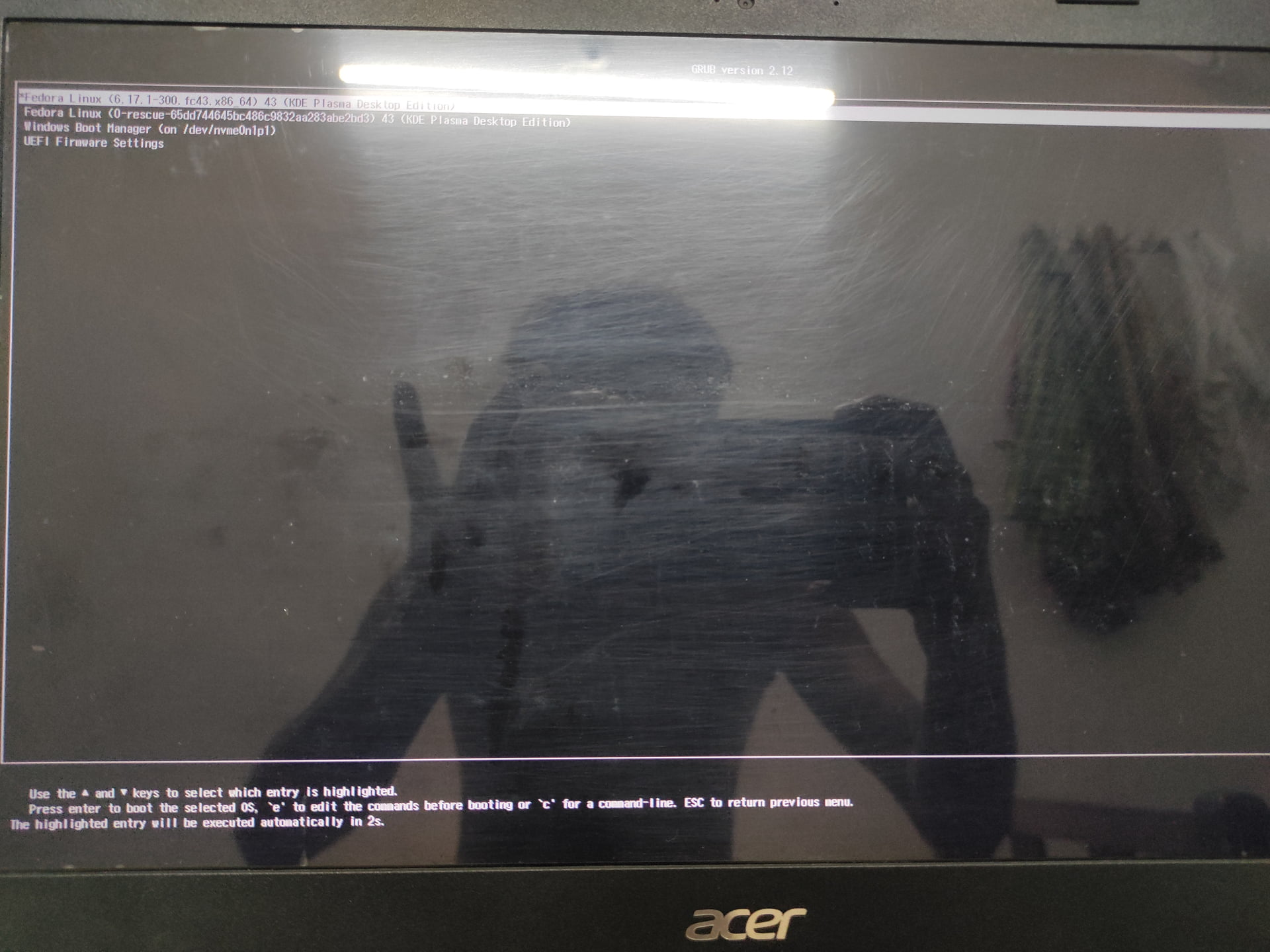
Alternatively, you can press the “e” key in the GRUB selection menu (the first picture), while selecting the desired option; a screen will appear where you can edit text. On that screen, you must find the text “rhgb quiet” and delete it; then press Control + X to continue with the initialization.
Both methods yield virtually the same result!
It shouldn’t take long to initialize, but every computer is different with its own hardware, which can ultimately increase the startup time.
When you follow the steps above, you will see a message indicating what is happening in the background, instead of that “pretty” screen with the spinning wheel.
Yes, seperate efi 1gb . and seperate boot 2Gb. And remaining space root btrfs,
I tried also without manual partion, to use install alongside with windows option , that time also installtion successful, but the same boot issue occurred,