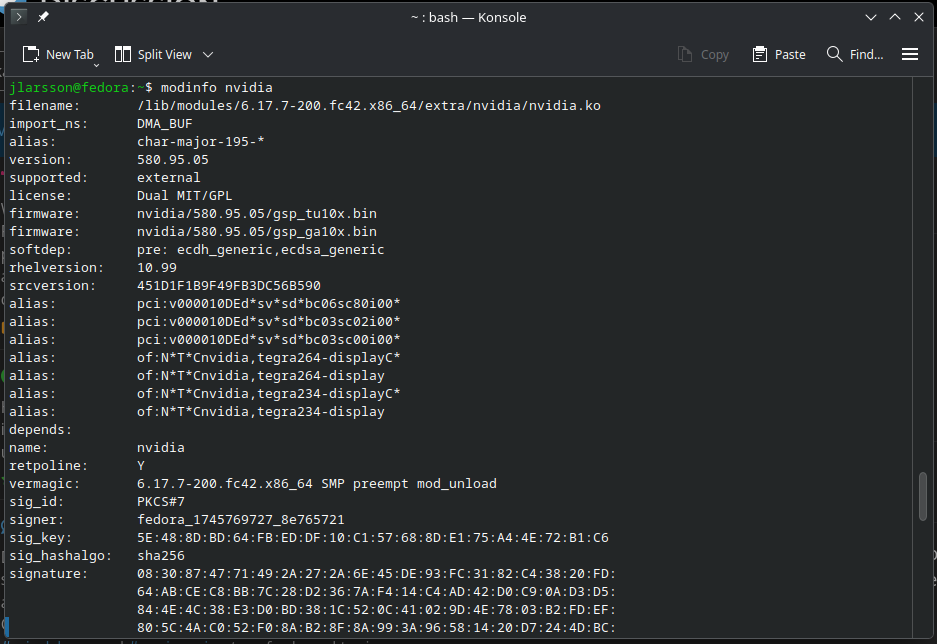
But when trying to update i get conflicts and this is where i am stuck right now.
How do i sort out the conflicts? Ive been trying sudo dnf update --allowerasing --best but i still get the conflicts.
You appear to be using drivers installed from the cuda-fedora42-x86_64 repo which have been frequently reported to cause issues.
My suggestion is to remove all the drivers currently installed sudo dnf remove \*nvidia\* --exclude nvidia-gpu-firmware
then install the drivers from rpmfusion only sudo dnf install akmod-nvidia xorg-x11-drv-nvidia-cuda --disablerepo cuda-fedora42-x86_64
These two steps should clean up any inconsistencies you are seeing with updates as well as providing all the cuda functionality needed by most users.
I also would suggest that you disable the cuda-fedora42-x86_64 (semi)permanently unless you really and truly need something from that repo. The 2 different repos contain packages with the same name but different dependencies and that causes conflicts. sudo dnf config-manager setopt cuda-fedora42-x86_64.enabled=0 (when using dnf (AKA dnf5)) or if using the gnome software app (which relies on dnf4) use sudo dnf4 config-manager --disable cuda-fedora42-x86_64
Thanks, i followed the instruction and managed to remove the old driver and install the rpmfusion driver, the conflict is gone. When rebooting it was also configured but its still not active and i get the same message from nvidia-smi. Secure boot is off.