Bubblewrap problem with SELinux confined user

I’m having troubles running bwrap applications with my user confined to sysadm_u, i can’t run the default Gnome image viewer nor flatpaks:

user@fedora:~$ flatpak run com.github.tchx84.Flatseal
bwrap: Can't bind mount /oldroot/boot on /newroot/boot: Unable to remount destination "/newroot/boot" with correct flags: Permission denied
error: Failed to sync with dbus proxy
user@fedora:~$ flatpak run com.github.tchx84.Flatseal
bwrap: unmount old root: Permission denied
error: Failed to sync with dbus proxy
user@fedora:~$ flatpak run com.github.tchx84.Flatseal
bwrap: loopback: Failed RTM_NEWADDR: Permission denied
user@fedora:~$ flatpak run com.github.tchx84.Flatseal
bwrap: loopback: Failed RTM_NEWADDR: Permission denied
user@fedora:~$ flatpak run com.github.tchx84.Flatseal
bwrap: loopback: Failed RTM_NEWADDR: Permission denied
user@fedora:~$ flatpak run com.github.tchx84.Flatseal
bwrap: loopback: Failed RTM_NEWADDR: Permission denied
user@fedora:~$

I tried to make this profile using audit2allow:

module my-bwrap 1.0;

require {
        type sysadm_t;
        type configfs_t;
        type nsfs_t;
        type fs_t;
        class filesystem { remount unmount };
}

#============= sysadm_t ==============

#!!!! This avc is allowed in the current policy
allow sysadm_t configfs_t:filesystem remount;

#!!!! This avc is allowed in the current policy
allow sysadm_t fs_t:filesystem { remount unmount };
allow sysadm_t nsfs_t:filesystem remount;

But now instead of:

user@fedora:~$ flatpak run com.github.tchx84.Flatseal
bwrap: Can't bind mount /oldroot/boot on /newroot/boot: Unable to remount destination "/newroot/boot" with correct flags: Permission denied
error: Failed to sync with dbus proxy
user@fedora:~$ flatpak run com.github.tchx84.Flatseal
bwrap: unmount old root: Permission denied
error: Failed to sync with dbus proxy

I get this while trying to run Flatseal:

bwrap: loopback: Failed RTM_NEWADDR: Permission denied

But I can run Bottles flatpak without this error and I can run any flatpak inside a toolbox without even applying that semodule. What can I do to fix this?
We need more information.

First, what do you use? I assume Fedora Workstation or Fedora Silverblue?

Also, can you provide the following outputs:
uname -r
sudo semanage login -l
sudo semanage boolean -l | grep xdm_sysadm_login

Also, can you provide a more detailed elaboration of the ImageViewer issue and a screenshot of the full desktop in which it occurred?

And have you already tried to unconfine all accounts, rebootet, and then tried again? Does it then work? (if you try, you might do the semanage command for unconfining in one boot, then reboot, check and provide the output of sudo semanage login -l (so that I can verify the exact condition) after the machine is booted again, and then try and explain the outcome. So this means that the whole boot including the test being in an unconfined state, just to be sure that it is the confinement that causes the issue.)

One thing in advance: I think there are known issues about the combination of confined-users & flatpaks, but I am not sure about the current state of the issue(s). I don’t work with flatpaks so I cannot help much with that. Maybe someone else can pick up that part, but you might also review existing topics here and on github (you also might use a search engine) about indications & suggestions for flatpaks & confined-users.

I use myself KDE, but maybe I can help a little with GNOME, or at least identify the origin of the issue and if and where to file it.

Added selinux

I use Fedora Workstation 40 with Gnome, not atomic.

root@fedora:/home/user#  uname -r
6.11.3-200.fc40.x86_64
root@fedora:/home/user#  sudo semanage login -l
ValueError: SELinux policy is not managed or store cannot be accessed.
root@fedora:/home/user# semanage login -l

Login Name           SELinux User         MLS/MCS Range        Service

__default__          sysadm_u             s0-s0:c0.c1023       *
root                 sysadm_u             s0-s0:c0.c1023       *
root@fedora:/home/user# semanage boolean -l | grep xdm_sysadm_login
xdm_sysadm_login               (on   ,   on)  Allow the graphical login program to login directly as sysadm_r:sysadm_t
root@fedora:/home/user# 

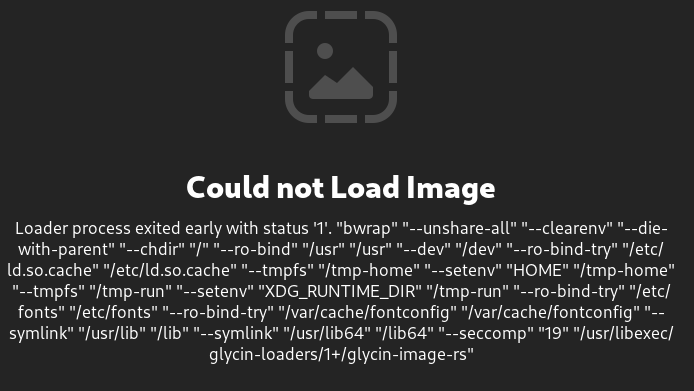
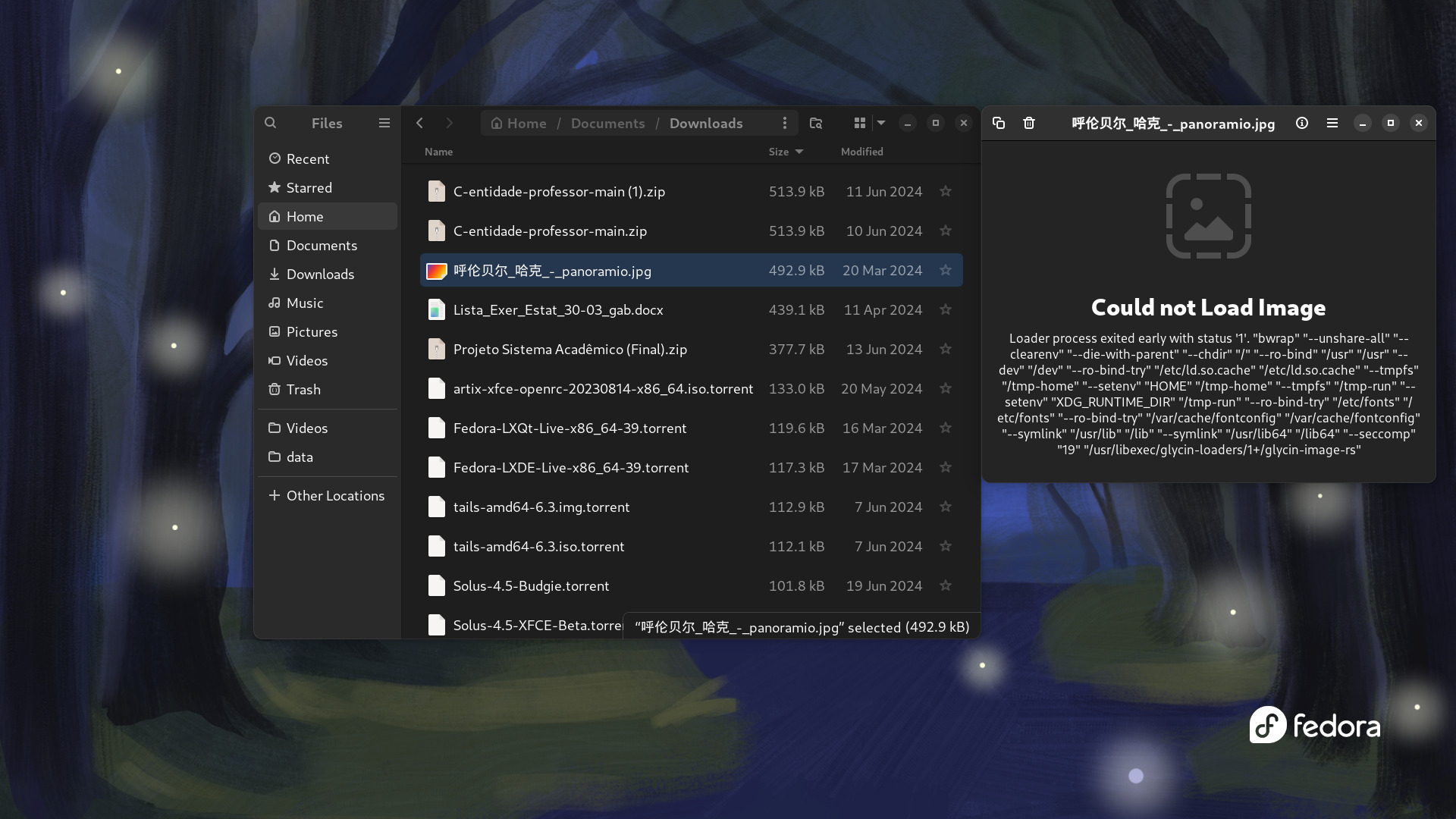
When I try to open any image with the image viewer this happens:


But I can open the image with Firefox normally.


With my default user unconfined I can run flatpaks without any problems. The image viewer works too.


Thanks for your help!

First, I suggest to NOT confine root on Fedora. So keep __default__ confined the way you want to confine, but make root unconfined.

In your average daily tasks, you should not work in root anyway, but when you use root and therefore need to do something administrative, you should ensure that this account remains able to do everything that could be necessary. If, e.g., an attacker has access to root, the system has to be considered broken anyway (they will have vast possibilities to corrupt the system), so the sysadm_u does not make a difference here: root has to be protected already at the level of logging in and/or acting as root, but imposing sysadm_u does not really add security but adds risks about availability. Just a suggestion of course :wink:


Second, the screenshot you have shown is not ImageViewer, is it? Can you provide the same test with ImageViewer? Once with confinement and once without? Just to be sure. Ensure that you reboot AFTER unconfining, to ensure that __default__ is unconfined throughout the boot in which you test the ImageViewer.

If it is the case that just doing semanage -m -s unconfined_u __default__ solves the issue (which means ImageViewer works) while semanage -m -s sysadm_u __default__ breaks ImageViewer again, then we might need to file a bug report.

However, at first we might check if the recent update of the selinux-policy solves the issue: there is one already in testing → Fedora Updates System

The problem is the update is yet for F41, and since there is currently a lot of work to do, it is unclear when it will be backported to F40 (confined users are no emphasis of Fedora at the moment as the majority does not use them and they are not enabled by default at the moment as well). I cannot even say for sure if that update is relevant for F40.

One possibility is to update to this F41 build on your F40 to test if it solves the issue, even if you have F40, but I suggest to NOT test this on a production system.

The best way would be to update to F41 asap and then test the update and see if that works. Due to the situation of confined users within Fedora, they will be always best aligned in the most current Fedora release.

However, of course F41 is yet a beta and I assume you are working on a production system that you might not use as beta testing?

I focus on these alternatives as I am not sure if a bug ticket would at the moment create a quicker solution than waiting for the F41 release. Not sure if you have already a preference in that situation, or if you maybe plan to update to F41 soon anyway?

Added workstation

It’s the default image application on Gnome, so I’m pretty sure it is ImageViewer, and I tested with unconfined user too and it worked, i just didn’t take a screenshot of it.


About updating to 41, I have a laptop and I will test it with the new version and take notes.


Edit:
To add more information:
If i try to open ‘loupe’ from terminal and open an image, it shows this error:

user@fedora:~$ loupe 
bwrap: loopback: Failed RTM_NEWADDR: Permission denied

and the GUI shows the same bwrap error.

So I think whats happening is that ImageViewer is trying to create a sandbox to avoid exploit with images (just like .bmp in Windows) but fails because something is wrong with Bubblewrap+SELinux confined, just like flatpak.

Updating

Unfortunately, Fedora 41 beta still errors with the same “bwrap: loopback: Failed RTM_NEWADDR: Permission denied” message.

For now, I’m using Flatpaks inside a toolbox and eye-of-gnome instead of loupe as a workaround.

First, if you want me to help, please provide the very information I ask for. There is a reason why I ask for it (such as the screenshot of the broken ImageViewer in context).

Second, on F41, please provoke the issue with ImageViewer 2 or 3 times (each time with at least 30 seconds in between) . Please document the exact system time (including seconds) when you provoked the issues. Then, can you provide the following outputs in the given F41 installation:

uname -r
cat /proc/sys/kernel/tainted
sudo dnf repolist
sudo ausearch -i -m avc,user_avc,selinux_err,user_selinux_err -ts today
lscpu
sudo dnf info selinux* --installed

At first glance I hope that we don’t need journalctl’s. Also, if you have made any customizations of the system, let us know. I wonder that this issue is already occurring on your F40 while it seems not yet considered. Further, when did it first occur? What changes happened at the time the issue first occurred?

Once I have all information, I check if we need a bug report.

It might be also noted that in the next days a new update of selinux-policies will be released for F41 (not the one that is currently in bodhi’s testing but a successor). So an alternative, if you want to not invest too much time in this, you can wait for that: maybe your issue will be solved in that update.